First Responders Can Now Communicate with d/Deaf and Hard of Hearing Without Barriers
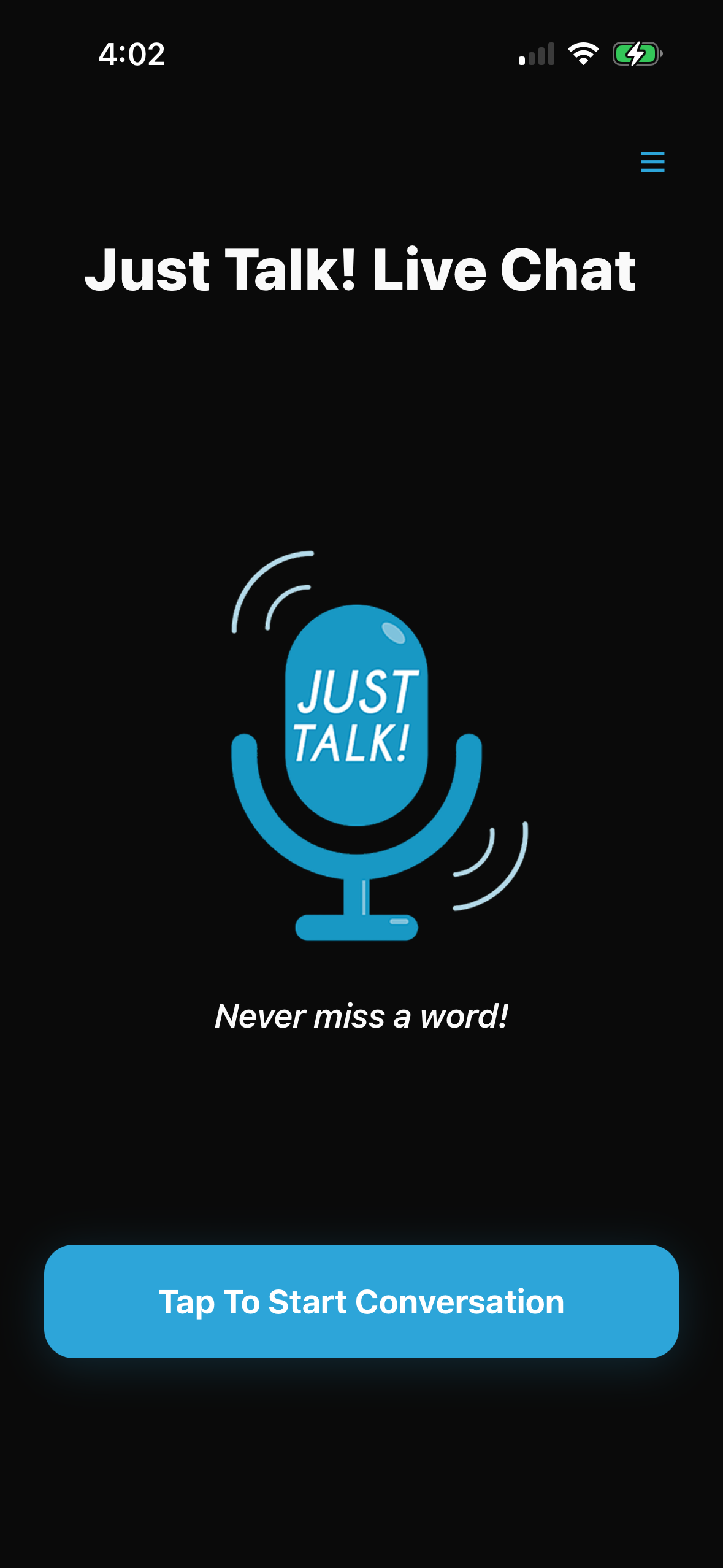
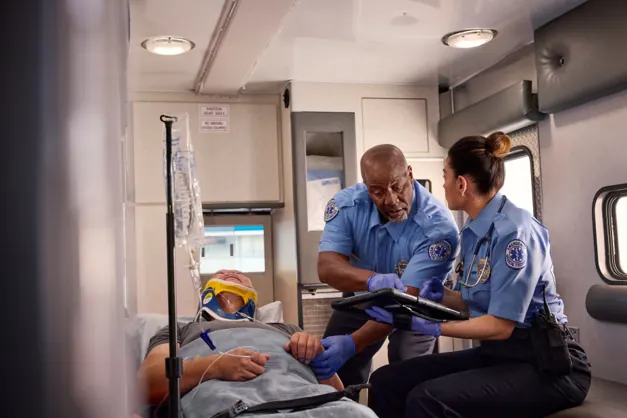
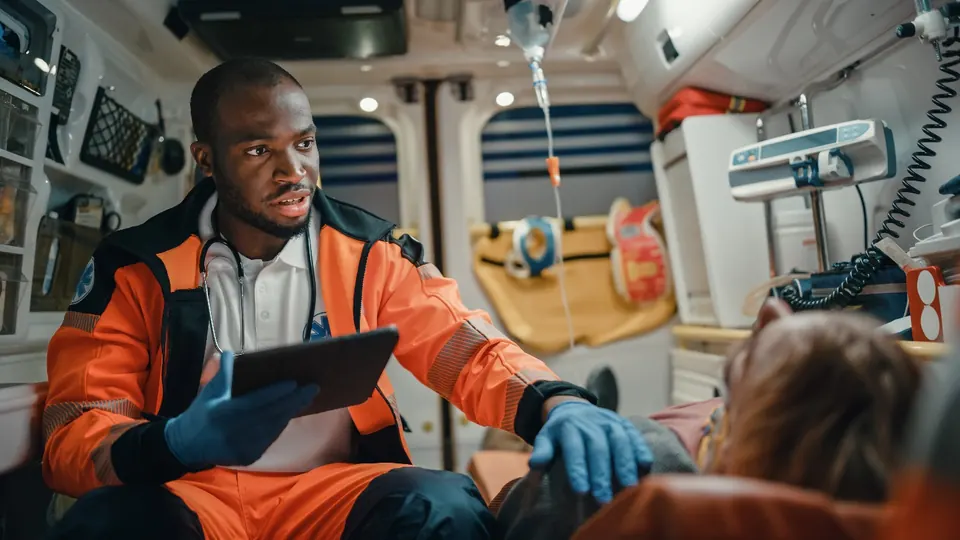
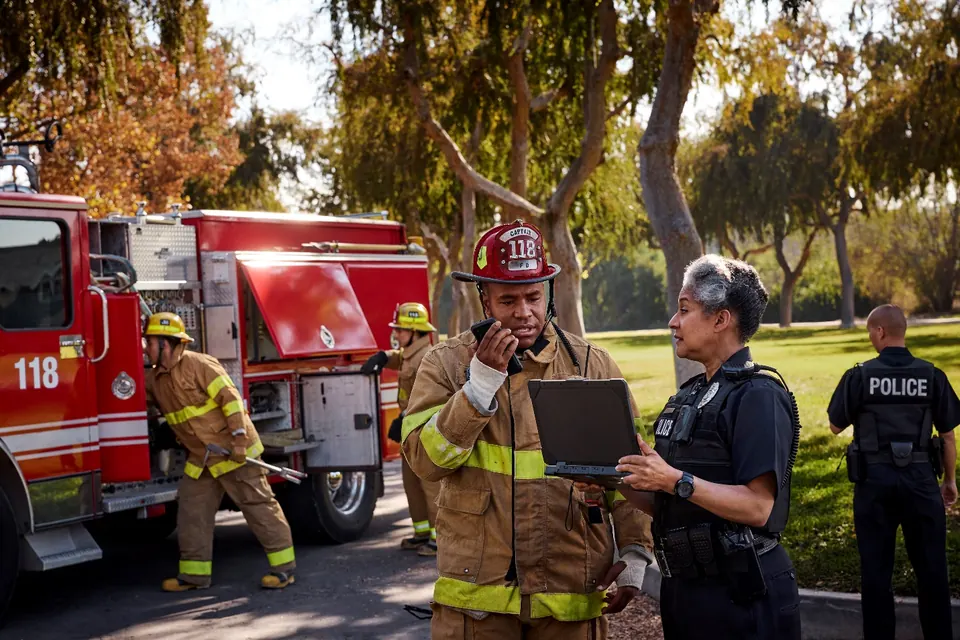
Just Talk! Live Chat bridges communication gaps by turning speech and messages into translated text and voice in real time – so First Responders can communicate with d/Deaf and Hard of Hearing anytime, anywhere, any smartphone or smart tablet, in 13 languages, to never miss a word.

Everything you need to be understood
Speak, text, or use emojis – whatever works for the moment.
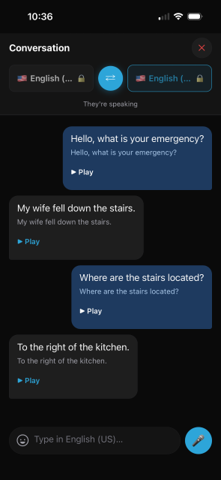
Real-time two-way transcription and translation
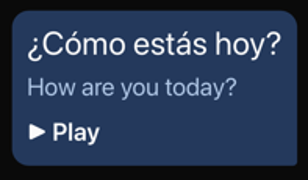
Hold the mic and speak – your words appear on-screen as text and can be spoken aloud in the other person’s language, instantly.
13 languages & dialects
English (US, UK, Australia), Spanish, French, Italian, German, Portuguese, Japanese, Korean, Romanian and Finnish.
Animated ASL stickers
Send American Sign Language sticker emojis – Hello, Thank you, Please, Yes, No, and I love you – that play as animations in the conversation.
Built for accessibility
Designed for the d/Deaf and Hard of Hearing, by the d/Deaf and Hard of Hearing and anyone they need to chat with.
Simple & Intuitive
Easy to use for any age group.
Use Anywhere
Available on Wi-Fi or cellular
How it works
Hold to speak
Press and hold the mic and talk naturally — or type if you prefer.
See & hear it
Your words appear as text and play aloud in the other person’s language.
Switch & reply
Tap this icon and keep the conversation flowing
Individuals get verified / get started here
FirstNet Subscribers Click Here to Create an Account and GET STARTED
Get started